


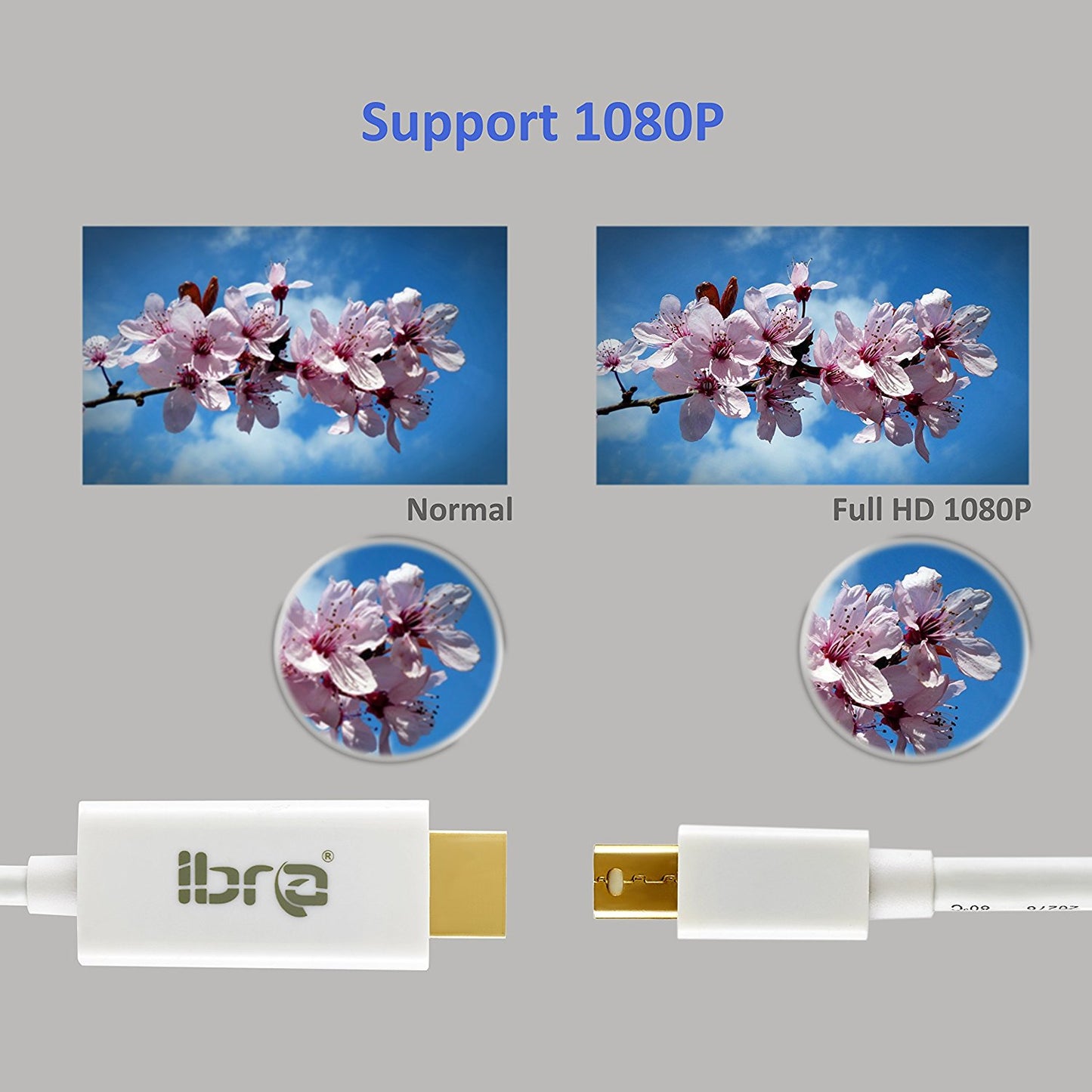
IBRA® Mini Displayport to HDMI Cable connects directly and transmits both audio and video
Key Features:
• Premium chip
• 24k Gold-plated connectors
• 28 AWG oxygen-free copper
• Multi-shielded cable
• ABS Shell
Specifications:
• Supports full 1080p HD digital video
• Supports HDMI Deep Color 12bit per channel (36bit color depth)
• Supports HDMI 225MHz/2.25 Gbps per channel (6.75Gbps all channel) bandwidth
• Supports uncompressed digital LPCM 7.1, 5.1 or 2 channels and compressed digital Bit-Stream
• Connector: Gold plated Mini DisplayPort/Thunderbolt male & HDMI male
Instructions
Please drag the window on the desktop all the way over to the display edge and the window will be displayed on the HDTV. You may set HDTV to a mirror display.
1.With your TV connected to Mac, open System Preference
2.Select Display
3.Select Arrangement tag
4.Check Mirror Display
Transmitting audio to TV
1.Open System Preference
2.Select Sound
3.Select Output tag
4.Choose external HDMI instead of built-in speaker
The following Mac/Apple computers support audio pass-through via Mini DisplayPort.
? MacBook 13" Model 7,1 (Mid 2010)
? MacBook Pro 13" Model 7,1 (Mid 2010)
? MacBook Pro 15" Model 6,2 (Mid 2010)
? MacBook Pro 17" Model 6,1 (Mid 2010)
? MacBook Pro 13" Model 8,1 (Early 2011 / Thunderbolt)
? MacBook Pro 15" Model 8,2 (Early 2011 / Thunderbolt)
? MacBook Pro 17" Model 8,3 (Early 2011 / Thunderbolt)
? MacBook Air 11" Model 3,1 (Late 2010)
? MacBook Air 13" Model 3,2 (Late 2010)
? Mac mini Model 4,1 (Mid 2010)
? iMac 27" Model 11,1 (Late 2009)
? iMac 21.5" Model 11,2 (Mid 2010)
? iMac 27" Model 11,3 (Mid 2010)
? Mac Pro Model 5,1 (Mid 2010)
Packing Include:
1 of Mini DisplayPort to HDMI Adapter Cable
MORE INFORMATION
is_recurring=No
length=1 Metre Cable


